A lab.js task can run from start to finish without error and still record data that does not support the planned analysis. A loop can produce the wrong number of trials per condition, a screen can last longer than its parameter says, or a trial without a response can be scored inconsistently. None of these problems produces an error message, so they are usually found after data collection, if at all.
Every paradigm in the Open Lab Task Library goes through the same set of checks before it is published. This post walks through those checks using the flanker task as the example, with the numbers from its validation on 1 October 2026. The same checks apply to any lab.js task, and the last section describes how to run simplified versions of them on a task of your own.
The task being checked
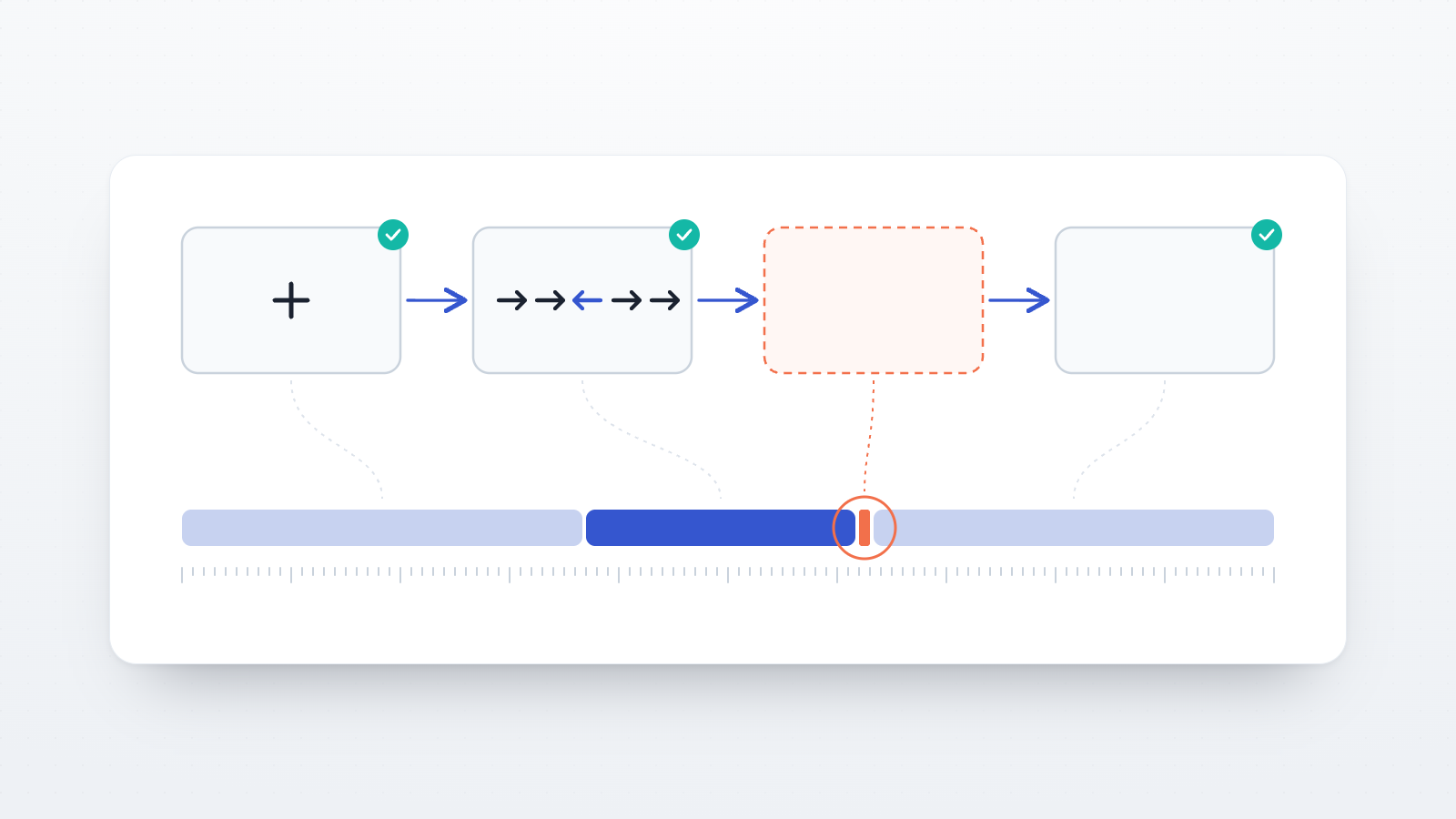
In the flanker task, five arrows appear in a row and the participant reports the direction of the middle arrow with the left or right arrow key. On congruent trials the outer arrows point the same way as the middle one (←←←←←); on incongruent trials they point the opposite way (→→←→→). The flanker effect is the mean reaction time on correct incongruent trials minus the mean on correct congruent trials. The original task used letters (Eriksen & Eriksen, 1974); the arrow version follows the flanker component of the Attention Network Test (Fan et al., 2002).
The Task Library version has four cells (congruent or incongruent, left or right), 4 practice trials with feedback and 24 main trials without feedback. Each trial consists of a fixation cross (500 ms), the arrows (until a response, with a 2,000 ms deadline), a feedback screen, and a blank inter-trial interval (500 ms).
Check 1: the task runs to the end and produces the intended design
The first check runs the task in a headless browser, which is a browser without a visible window that is controlled by a script. The script presses response keys and advances every screen until the task ends. The run uses the same lab.js version that Open Lab uses to run studies. It confirms that the task file is well formed, that every screen it refers to exists, and that the task reaches its end and saves a complete dataset.
The trial counts are then read from the saved data, not from the task definition. For the flanker task the run produced 1 practice trial per cell and 6 main trials per cell, which is the intended design. Reading the counts from the data matters because the task definition describes what should happen, while the data shows what did happen. A loop that samples its rows with replacement, or that repeats a row list a different number of times than intended, looks correct in the builder and only shows up as unequal cell counts in the data.
Check 2: screen durations match their settings
The second check measures how long each screen was displayed during the automated run and compares the measured durations with the task's settings.
| Screen | Set to (ms) | Measured, main task: min / median / max (ms) |
|---|---|---|
| Fixation | 500 | 499.9 / 500.0 / 500.1 |
| Response deadline (all 14 trials without a response, practice and main) | 2,000 | 1,999.8 / 1,999.9 / 2,000.0 |
| Feedback | 0 in the main task | 16.6 / 16.7 / 16.8 |
| Inter-trial interval | 500 | 499.9 / 500.0 / 500.1 |
Browsers can only change what is on screen once per display refresh, which is about every 16.7 ms on a 60 Hz monitor. A screen with a duration of zero therefore still occupies one refresh. In this task the main-task feedback screen is blank and lasts one refresh, so the interval between a response and the next fixation cross is about 517 ms, not 500 ms. The difference is small and constant, but it belongs in a methods section that reports the inter-trial interval, and it only becomes visible when durations are measured.
This check shows that the task requests the intended durations. It does not measure the timing on participants' devices, which varies with the browser, operating system, display and keyboard. Bridges et al. (2020) compared timing across experiment software, browsers and operating systems and report the size of these differences for online studies.
Check 3: what is recorded when a participant does not respond
The automated run in Check 1 answers every trial, so it cannot show what happens on a trial that times out. A second run therefore answers only every second trial and lets the others reach the deadline. In the flanker run, 14 trials were answered and 14 timed out.
| Check | Result |
|---|---|
Timed-out trials recorded with correct = false, miss = true and ended_on = timeout | 14 of 14 |
Timed-out trials with an empty correct column | 0 |
| Practice feedback after a timed-out trial | "Too slow" in both cases |
| Answered trials scored | 14 of 14 |
This check was added to the Open Lab build process after a defect of this kind was found in several Task Library paradigms. In lab.js, a feedback screen or a scoring step that reads the response from the state of an earlier screen can pick up the value from the previous trial when the current trial has no response. The participant then sees feedback for the previous trial, and the data row for the timed-out trial can be left without a score. A run in which every trial is answered cannot reveal this, because the state is always current.
Check 4: a codebook of the columns the analysis needs
lab.js saves one data row per screen, with many columns. The validation run of the flanker task produced 149 rows with 48 columns per participant. Only a small part of this is needed for analysis, so each task comes with a codebook that names the rows to keep and describes the relevant columns. For the flanker task, the analysis rows are those where sender is "Flanker stimulus" and phase is "task", which gives 24 rows per participant.
| Column | Meaning |
|---|---|
congruency | congruent or incongruent |
direction | direction of the middle arrow |
response | key pressed; empty on a missed trial |
correct | whether the response matched the correct answer; false on a missed trial |
miss | true if the deadline passed without a response |
duration | reaction time from stimulus onset in ms; equals the deadline on a missed trial |
The codebook also records decisions that affect the analysis. In this task a missed trial counts as an error, so accuracy includes misses unless the analysis filters on miss.
Check 5: the limitations are written down
The last part of the validation is a list of what the checks do not cover and what the task does not do. For the flanker task the list includes:
- Device timing. As described under Check 2, the run shows the requested durations, not the timing on participants' devices.
- Reaction times from the automated run are not human data. The script presses keys at arbitrary latencies, so the run checks the recording of reaction times, not their values.
- Trial count. 24 main trials (12 per congruency) are suitable for a group-level flanker effect or a short battery. Individual differences in the flanker effect need considerably more trials, because the effect has low reliability between people at short task lengths (Hedge et al., 2018).
- Fixed fixation duration. The arrows always appear 500 ms after the fixation cross, so their onset is predictable. A variable interval can be added.
- Keyboard only. The task cannot be completed on a phone or tablet without a touch-response version.
- Arrow rendering. The arrows are text characters, so their exact shape depends on the fonts on the participant's device.
Running these checks on your own task
The automated runs described above are part of the Open Lab build process, but simplified versions of each check can be done by hand with the lab.js builder (Henninger et al., 2022) and an Open Lab study:
- Complete run. Run the task to the end in the lab.js builder preview. When the experiment ends, a Download button appears at the top of the window; if it does not appear, the task is not ending. The downloaded file contains the data from the run.
- Design. In the downloaded data, count the trial rows per condition and compare the counts with the design.
- Durations. For screens with a fixed duration, compare the
durationcolumn with the setting. Expect values close to the setting, rounded to display refreshes, and note any screen that adds time between trials. - Skipped trials. Run the task again and let some trials time out, including at least one practice trial. Check that the feedback refers to the current trial and that each timed-out row has a score.
- Codebook. Before data collection, write down which rows and columns the analysis uses and how missed trials are scored.
Having a task built
Researchers who need a task that is not in the Task Library, or a library task with their own stimuli, can now have it built by the Open Lab team. Each task is delivered with a validation report of the kind described in this post. Adapting a library task costs €250 and takes 5 working days; building a published paradigm that is not yet in the library costs €650 and takes 2 weeks; other designs are quoted at €80 per hour. These prices apply to universities and non-profit research. Details and the request form are on the custom task development page.
References
Bridges, D., Pitiot, A., MacAskill, M. R., & Peirce, J. W. (2020). The timing mega-study: Comparing a range of experiment generators, both lab-based and online. PeerJ, 8, e9414. https://doi.org/10.7717/peerj.9414
Eriksen, B. A., & Eriksen, C. W. (1974). Effects of noise letters upon the identification of a target letter in a nonsearch task. Perception & Psychophysics, 16(1), 143–149. https://doi.org/10.3758/BF03203267
Fan, J., McCandliss, B. D., Sommer, T., Raz, A., & Posner, M. I. (2002). Testing the efficiency and independence of attentional networks. Journal of Cognitive Neuroscience, 14(3), 340–347. https://doi.org/10.1162/089892902317361886
Hedge, C., Powell, G., & Sumner, P. (2018). The reliability paradox: Why robust cognitive tasks do not produce reliable individual differences. Behavior Research Methods, 50(3), 1166–1186. https://doi.org/10.3758/s13428-017-0935-1
Henninger, F., Shevchenko, Y., Mertens, U. K., Kieslich, P. J., & Hilbig, B. E. (2022). lab.js: A free, open, online study builder. Behavior Research Methods, 54(2), 556–573. https://doi.org/10.3758/s13428-019-01283-5