For teaching
Run experiments in your lectures and courses.
Students take part on their own phones or laptops through a link or QR code, without an account. The class results appear on the projector as soon as the students finish, and the same data can be used later for statistics exercises.
Teaching plans are free for instructors at universities and colleges.
A lecture demonstration in five steps
- 1
Choose a task
Pick a task from the Task Library, such as the Stroop, flanker or Simon task. Library tasks come with an analysis, so the results are calculated for you.
- 2
Create a study
Add the task to a new study. Students do not need an account: they take part through the study link.
- 3
Open presentation mode
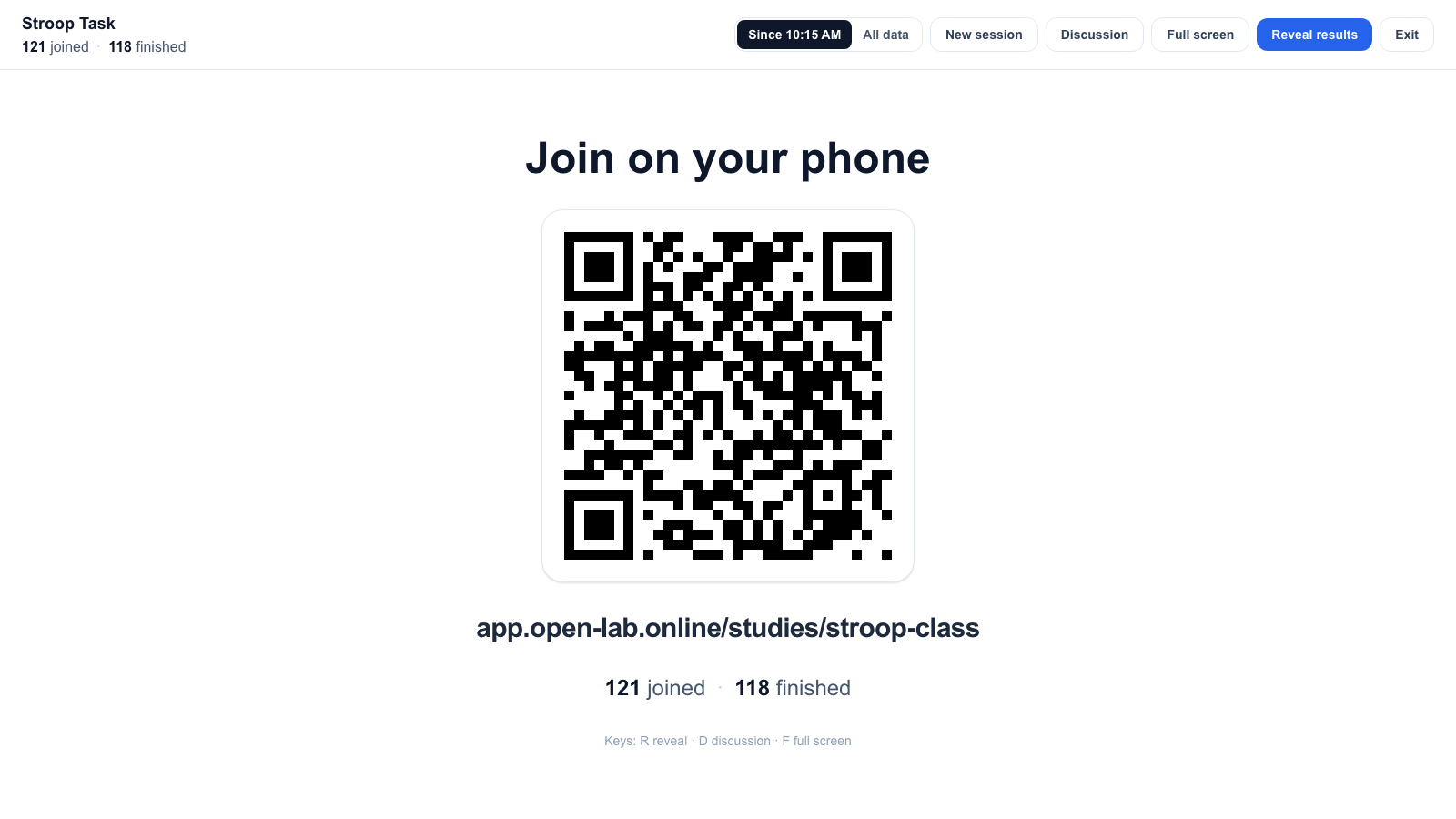
From the study dashboard or Data page, presentation mode shows a large QR code and a short link on the projector, with live counts of the students who have joined and finished.
- 4
Reveal the results
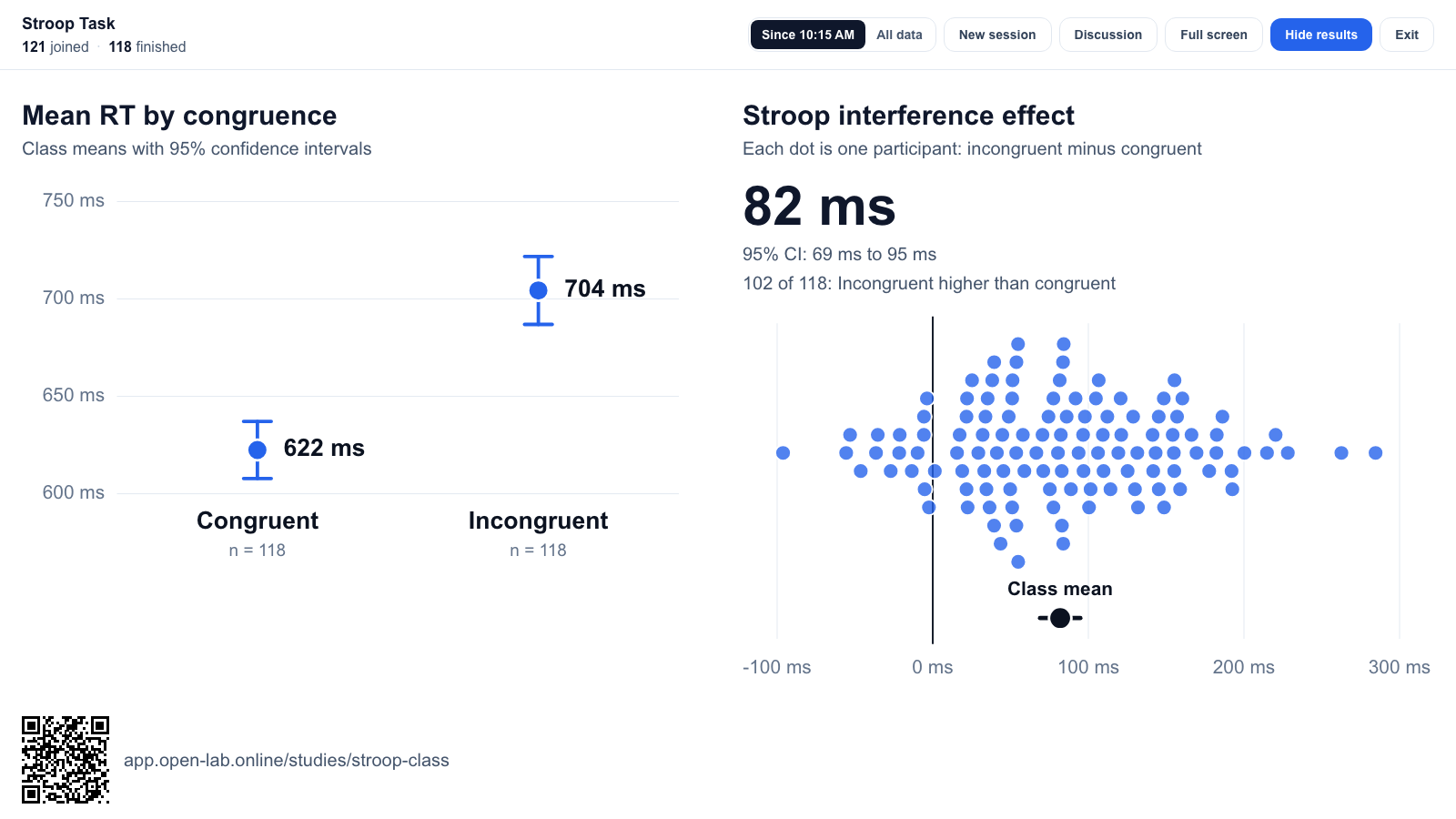
When the class has finished, Reveal shows the condition means with 95% confidence intervals and one dot per student for the effect.
- 5
Discuss
For tasks with teaching notes, the discussion questions and the typical effect open with one key. The class data stays in the study for later statistics exercises.
Teaching notes for library tasks
Library tasks can carry notes for instructors: what the class will experience, the typical size of the effect, discussion questions, common pitfalls in running and analysing the task, and further reading. The notes appear on the task's For teaching tab in the Task Library and in presentation mode. They are being added task by task.
Plans for teaching
Lectures and class datasets
Free for one term
Instructors receive the Pro plan for the length of the term, up to six months, and can renew it for the next term. It covers copying tasks from the library, up to 50 studies with 5,000 participants each, up to three collaborators such as teaching assistants, and R and Python notebooks and SPSS export for the class data.
For instructors at a university or college, verified by institutional email or ORCID iD.
Courses where students run their own studies
Team plan, first term free
Students join the instructor's projects as collaborators and share the Team plan while the course runs. Each student group works in its own project, and the instructor sees every group's studies and data. After the first term, the Team plan costs €1,000 per year at the academic rate, for all of an instructor's courses.
One free term per instructor.
How a course on Team is set upWorkshops
Free plan
Workshop participants can use the Free plan with their own account: one study with up to 300 participants, which is enough to build and run a study during a workshop. New accounts start with an example study; participants can build their workshop study in it, or delete it and create their own.
No request needed for participants.
Create a free accountAcademic prices, billed annually; the 50% academic discount applies automatically with a verified institutional email. See pricing for all plans.
Request a teaching plan
Requests are answered by email. Please use your institutional email address, or add your ORCID iD.
Questions
- Do students need an account?
- No. Students join through the study link or QR code and take part anonymously. An account is only needed for participant payments and the participant panel.
- Which devices work?
- Phones, tablets and laptops with a current browser. Most library tasks currently use keyboard responses and need a laptop; versions for touch screens are being added.
- Where is the data stored, and who is responsible for it?
- Study data is hosted in Frankfurt, Germany (EU). Open Lab processes the data collected in your studies on your behalf, under a data processing agreement. Data processing agreement
- Can class data be used for research?
- A classroom demonstration is teaching, not research. Using class data for research usually requires the students' consent and may need approval from your institution's ethics committee, which is easiest to plan before the class takes part.
- Can school classes use Open Lab?
- Not at present. Open Lab's terms do not allow collecting data from anyone under 18. Terms
- What happens at the end of the term?
- The teaching plan ends and the account returns to the Free plan. Studies and data stay in the account, and the plan can be renewed for the next term.
- Is this only for psychology?
- The Task Library focuses on cognitive psychology. Questionnaires and any task built in lab.js work in the same way, so the setup also suits other subjects that collect data from students.
Something else? Write to info@open-lab.online.