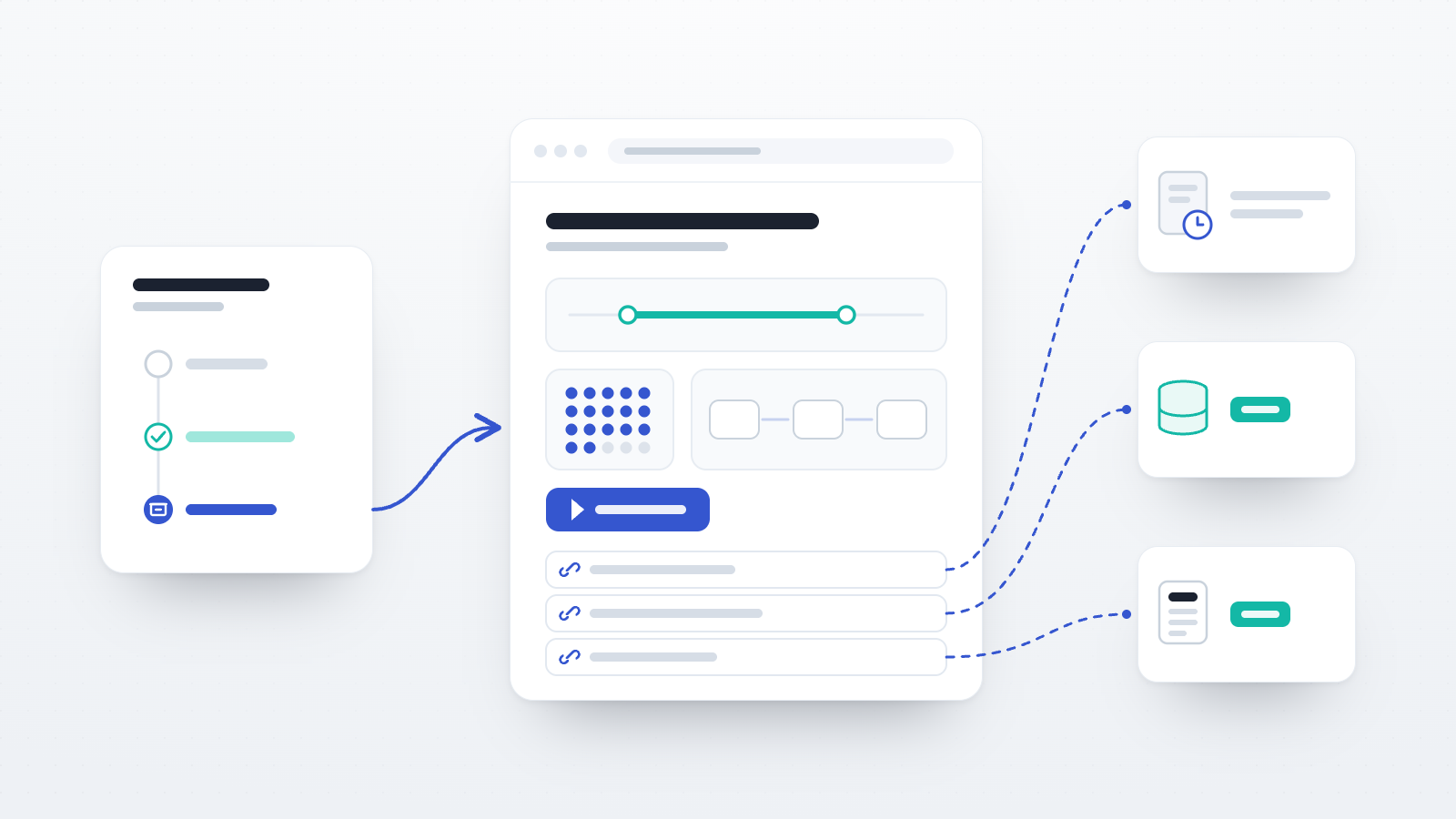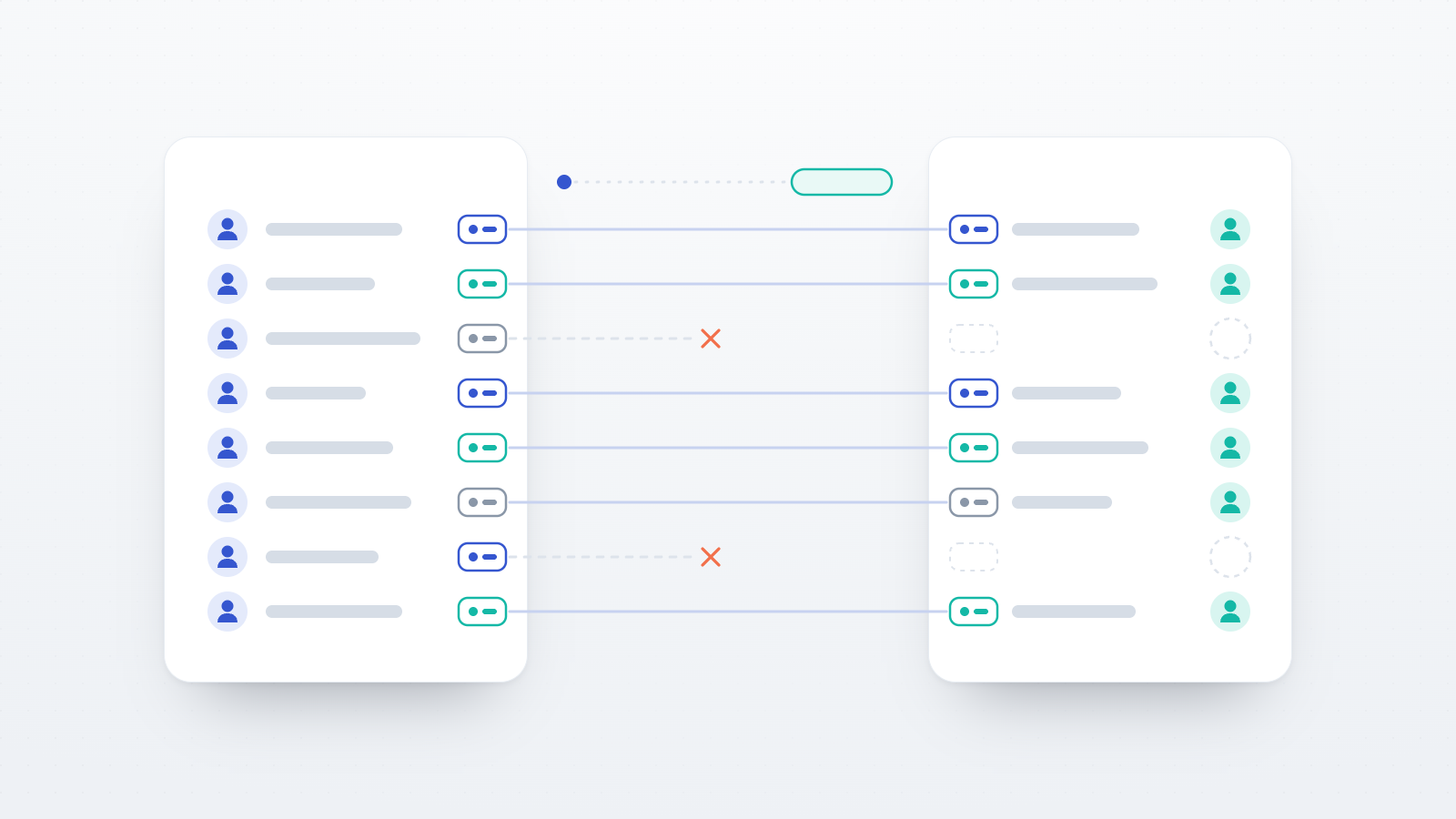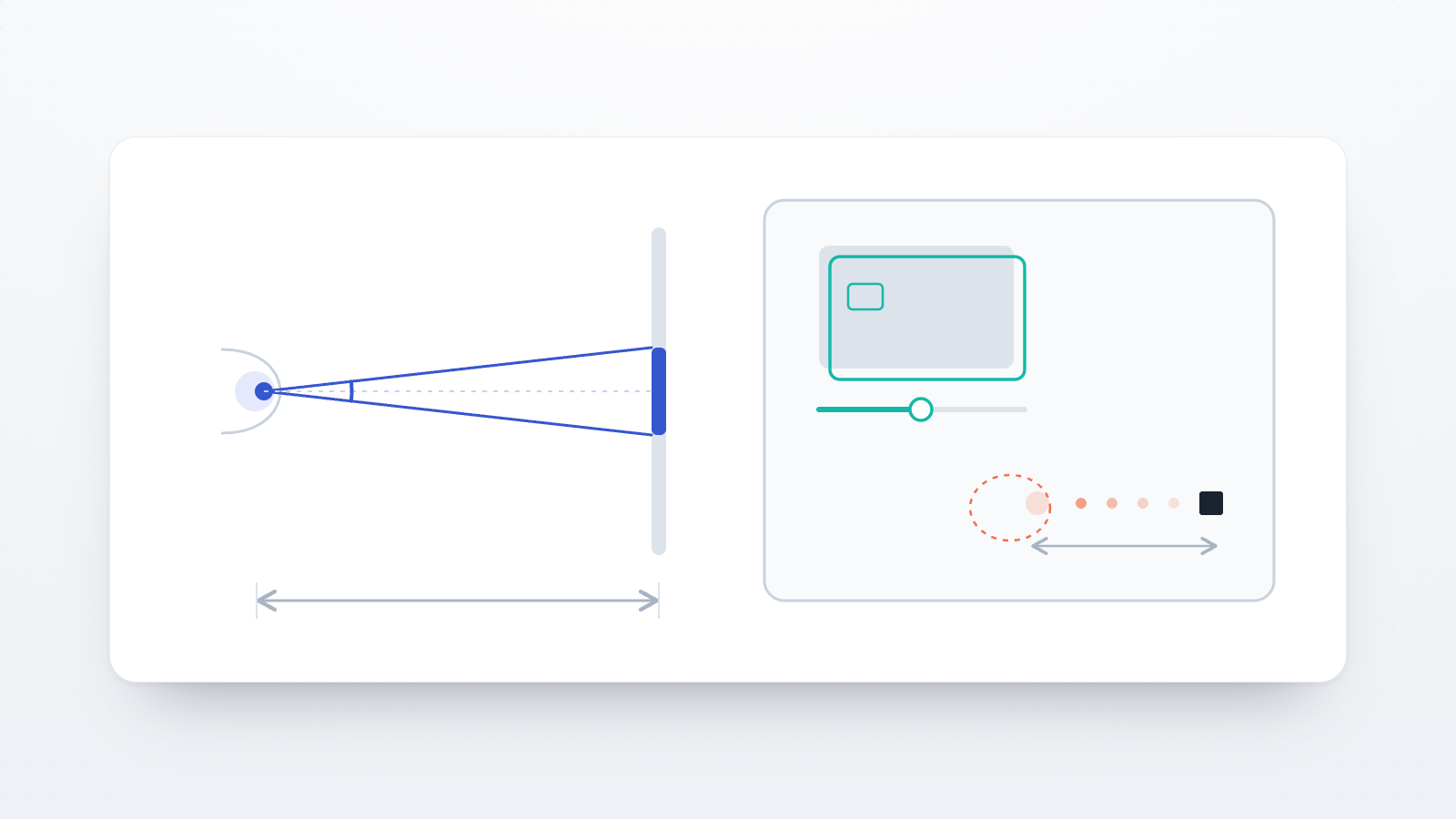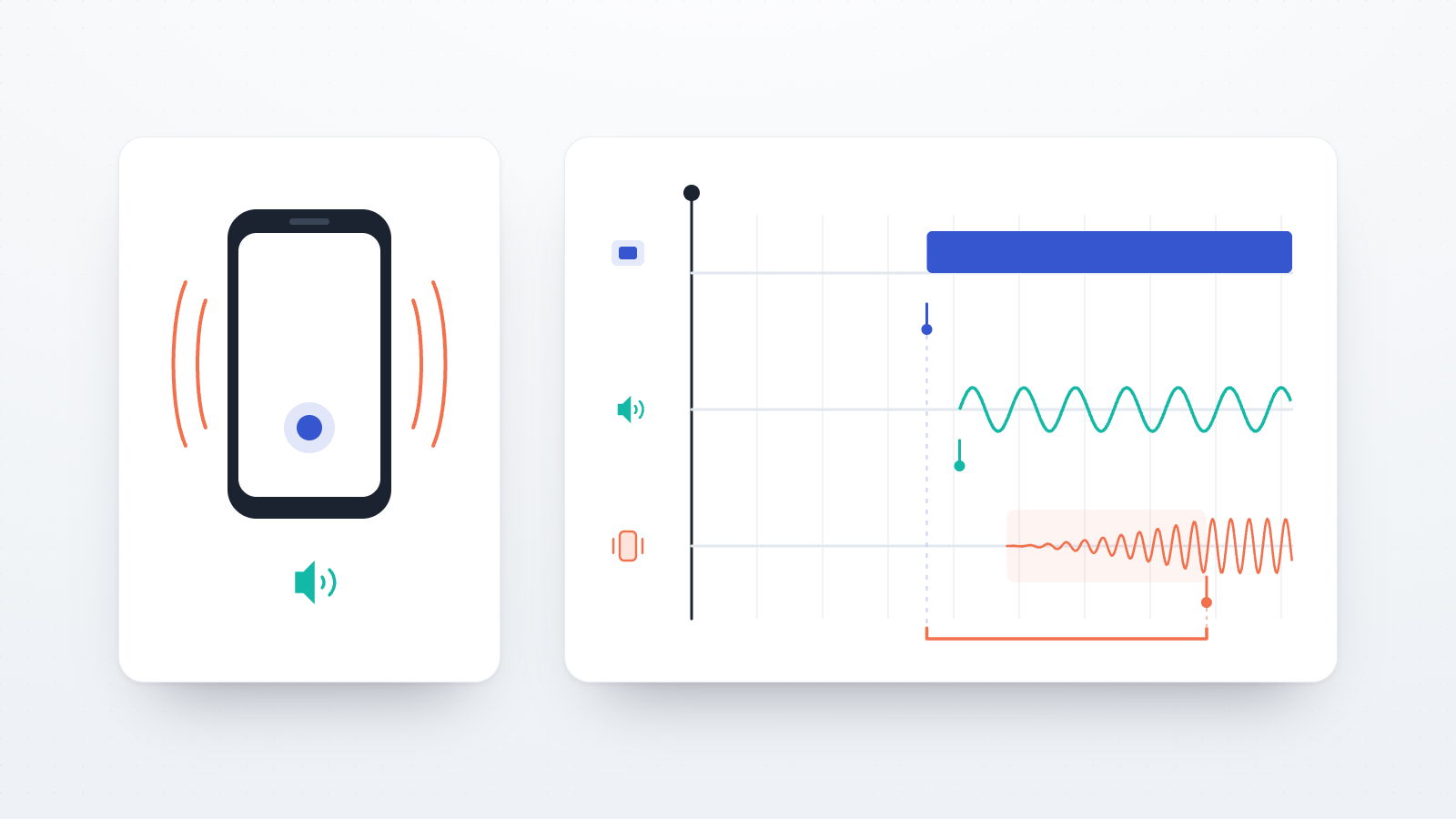
Online experiments routinely present visual and auditory stimuli, and the timing of both in web browsers has been benchmarked across many software packages (Bridges et al., 2020). Much less is known about presenting tactile stimuli remotely (Hirst et al., 2026). A tactile stimulus has to be produced by a device in contact with the participant's skin. Most smartphones contain such a device, a vibration motor, and browsers based on Chromium let a web page switch it on and off with a single JavaScript call, navigator.vibrate().
Hirst, Roberts, Seveso, O'Dowd, Peirce and Newell (2026) tested whether this call is good enough for a multisensory reaction time experiment run remotely on participants' own phones. This post summarises what they did and found, describes what the browser's vibration method can and cannot do, shows how to add vibration to a lab.js task, and lists the kinds of tactile research that remain out of reach for browser-based studies.
A redundant target experiment on participants' own phones
The redundant target effect is the finding that responses to a target presented in two or more sensory modalities at once are faster than responses to the same target in a single modality. Miller (1982) showed how to test whether this speed-up is larger than a race between independent channels would produce, and Diederich and Colonius (2004) extended the paradigm to three modalities with visual, auditory and tactile stimuli in the laboratory. The effect is a convenient test case for remote tactile stimulation because it is well established and depends on reaction times to a vibration.
Hirst et al. (2026) recruited participants through Prolific and restricted the study to Android devices running the Chrome browser. Of 38 participants, 32 were included in the analysis. The task was built in PsychoPy and run in the browser as PsychoJS on Pavlovia. Each trial presented a visual stimulus (the screen turning white), an auditory stimulus (a 1000 Hz tone), a vibration, any combination of the three, or no stimulus. Every stimulus lasted 200 ms, and the vibration was a single 200 ms pulse started with navigator.vibrate() at the beginning of the trial. Participants held the phone upright and touched the screen as quickly as possible whenever they perceived a stimulus. The task had 100 trials: 10 for each of the seven stimulus combinations and 30 with no stimulus.
Two preparatory steps addressed problems specific to vibration. A vibration motor makes an audible sound, so continuous brown noise played throughout the task, and participants first raised their phone's volume until the noise masked the sound of the vibration. The intensity of the vibration cannot be set from the browser, so the visual and auditory stimuli were adjusted to it instead: a staircase procedure changed the contrast of the visual stimulus and the volume of the tone until their perceived intensity matched that of the vibration. Participants who reported that they did not feel a vibration could not continue. Two of the six excluded participants did not respond to the vibration during this adjustment phase.
The redundant target effect replicated. Responses in every bimodal and trimodal condition were faster than in the unimodal conditions, and trimodal responses were not reliably faster than bimodal ones. The paper notes that the same approach could be implemented in other tools, naming jsPsych and lab.js, because "the same code snippet can be applied to any builder that allows custom JavaScript code insertion".
How accurately a phone presents a vibration
In a second study, Hirst et al. (2026) measured stimulus timing on one phone, a Samsung A15 running Android 14 and Chrome 133. A photodiode recorded the onset of the visual stimulus, the audio output recorded the tone, and a microphone attached to the phone recorded the vibration. As a reference, the browser sent a trigger to a local server through a WebSocket (a connection between a web page and a server) at the moment it initiated each stimulus. The measurement covered 1,000 trials.
Measured from that trigger, the visual stimulus appeared on average 35.9 ms later (SD 4.3 ms), the tone 40.9 ms later (SD 3.4 ms) and the vibration 78.6 ms later (SD 5.1 ms). Relative to the visual onset, the vibration lagged by 42.7 ms (SD 5.4 ms). Analysis of the recorded waveforms showed that the motor took on average 30.5 ms (SD 5.3 ms) to build up to the level at which the recording registered an onset. The authors attribute much of the extra delay of the vibration to this gradual ramp-up of the motor rather than to the browser.
The lag and the variability have different consequences. The variability of a few milliseconds is small compared with the variability of reaction times themselves. In a simulation based on the LATER model of response times, adding 10 ms of random variation to stimulus onsets increased the effect size needed for 80% power only marginally, from about 6.6 ms to 6.7 ms (Hirst et al., 2026). The constant lag matters more when the timing of the vibration relative to another stimulus is part of the design, which is discussed below. Because only one phone was measured, the lag on other phone models is not known, and the authors list generalisation across devices and browsers as untested.
Response registration on touchscreens adds a further source of error. Pronk, Wiers, Molenkamp and Murre (2020) found that web applications on both touchscreen and keyboard devices consistently overestimated reaction times. They concluded that differences in this overestimation between devices may affect measures of individual differences based on absolute reaction times more than comparisons between groups or differences between a participant's conditions. The redundant target effect is a difference between conditions within each participant, so by this reasoning it may be less affected by such device differences than a measure based on absolute reaction times.
What the browser's vibration method can and cannot do
The method takes a duration in milliseconds, or a list of alternating vibration and pause durations. navigator.vibrate(200) vibrates once for 200 ms, navigator.vibrate([100, 50, 100]) produces two 100 ms pulses separated by a 50 ms pause, and navigator.vibrate(0) stops a vibration that is running. A new call replaces any pattern that is still playing. The specification limits each duration to 10,000 ms (W3C, 2026).
These durations are the only parameters. The method has no setting for the strength or frequency of the vibration, or for where on the device it is felt, and the specification states that "use cases requiring more fine-grained control are out of scope" (W3C, 2026). Hirst et al. (2026) tested only single 200 ms pulses, so the shortest pulse a phone can produce reliably, and the shortest gap between two pulses, have not been measured.
Browser support is limited to Chromium-based browsers. Chrome for Android has supported the method since version 32, and Samsung Internet and the Android WebView follow Chrome (MDN Web Docs, n.d.-a). Safari has never supported it, and the WebKit project has published a position opposing the specification (W3C, 2026). Firefox removed the method in version 129, released in August 2024 (MDN Web Docs, n.d.-b). Before that, Firefox for Android from version 79 onwards returned true without vibrating (MDN Web Docs, n.d.-a). A study that uses vibration therefore samples Android users with a Chromium-based browser, as Hirst et al. did, and the sample description should say so.
Several conditions must be met before a phone vibrates:
- The participant must have interacted with the page. The specification requires sticky user activation, which a page receives once the participant has tapped, clicked or pressed a key in it (W3C, 2026). Until then, the call returns
false, and Chrome writes a warning to the browser console. - The page must be visible. The call returns
falsefor a page in the background, and a vibration that is running stops when the page is hidden (W3C, 2026). - Since Chrome 55, the call does not work inside a cross-origin frame, that is, a page embedded in another site's page (MDN Web Docs, n.d.-a). On Open Lab, lab.js tasks run in the participant's page itself rather than in an embedded frame.
- Some phones do not vibrate in silent or Do Not Disturb mode (MDN Web Docs, n.d.-c).
The return value only reports whether the browser accepted the request. It does not show that the motor ran or that the participant felt anything, as the earlier Firefox for Android behaviour illustrates. A check in which participants report whether they felt a vibration, as in Hirst et al. (2026), is therefore needed to confirm that the stimulus reached them.
Adding vibration to a lab.js task
The examples below add a vibration check, a vibration on selected trials and a touch response to a lab.js task. Scripts are added in a component's Scripts tab and attached to an event: before:prepare (before the component is prepared, which for most components happens when the task loads), run (when the component starts) or end (when it ends). Every variable is declared with const, because Open Lab runs task scripts in strict mode, where an undeclared variable stops the task with an error (see Variables in scripts in the Open Lab documentation).
The scripts were tested with lab.js 20.2.4, the version that runs tasks for participants on Open Lab, in a headless Chromium browser that emulated a touchscreen phone. This test confirms that the scripts run and record the expected data. It cannot show whether, or how strongly, a particular phone vibrates, so a pilot on the phones the study will use remains necessary.
A vibration check before the task
The check is an HTML screen with a button that starts a vibration and two buttons for the answer. Its responses are "click" on button#yes, with the label felt, and "click" on button#no, with the label not_felt.
<main class="content-vertical-center content-horizontal-center">
  <div style="text-align: center;">
    <p>Hold your phone as you will during the task, then tap the button below.</p>
    <p><button id="buzz">Vibrate</button></p>
    <p>Did your phone vibrate?</p>
    <p><button id="yes">Yes</button> <button id="no">No</button></p>
  </div>
</main>
A script on the run event starts a 200 ms vibration each time the participant taps the button, and records whether the browser offers the method and whether it accepted the request. The tap on the button also provides the user activation that the browser requires.
// Vibrate for 200 ms whenever the participant taps "Vibrate"
this.data.vibrate_available = typeof navigator.vibrate === 'function'
this.options.el.querySelector('#buzz').addEventListener('click', () => {
  this.data.vibrate_accepted = this.data.vibrate_available
    ? navigator.vibrate(200)
    : false
})
The same script can record the phone model. Since Chrome 110, Chrome for Android no longer includes the model in its user-agent string, the text a browser sends to identify itself, and reports a placeholder instead (Chromium Projects, n.d.). The model is available on request through navigator.userAgentData:
// Record the phone model, which the user-agent string no longer contains
if (navigator.userAgentData) {
  navigator.userAgentData
    .getHighEntropyValues(['model', 'platformVersion'])
    .then((ua) => {
      this.data.phone_model = ua.model
      this.data.android_version = ua.platformVersion
    })
}
The browser decides which of these values it returns, so the model can be empty (Google, n.d.). On Open Lab, the study's Device information setting, which is on by default, separately records the participant's browser and operating system with each session. Whatever device information is recorded should be covered by the consent form.
A script on the end event keeps the answer under its own name:
// Keep the answer under a name that the study's branching rule can read
this.data.vibration_check = this.data.response
On Open Lab, the check can be the first task of a study, followed by a branching component whose How are participants assigned setting is By an answer in an earlier task. A rule such as "vibration_check is felt" sends participants on to the experiment, and the condition chosen under If no rule matches can hold an Ending page that explains why the study ends early. The documentation section Sending participants down a branch by an answer in an earlier task describes the setting.
A vibration on selected trials
In a redundant target design, a loop can carry a parameter modality with values such as V, A, T, VA, VT, AT and VAT. A script on the run event of the trial screen starts the vibration on trials that include the tactile stimulus:
// Vibrate for 200 ms on trials that include the tactile stimulus
const tactile = this.parameters.modality.includes('T')
this.data.vibrate_accepted = tactile ? navigator.vibrate(200) : null
lab.js runs run scripts shortly before it first displays the screen, and it measures the response time (duration) from the moment the screen is displayed. The vibration starts later than the visual onset: on the phone that Hirst et al. (2026) measured, about 43 ms later when both were started together. Response times on trials with only the tactile stimulus therefore include this lag, and so does the comparison between those trials and the multisensory trials. Hirst et al. suggest starting the vibration earlier, so that its onset coincides with the other stimuli. Because the lag on other phones is unknown, the size of that correction is device-specific.
Recording the moment of touch
The response options in the lab.js builder are keyboard and mouse events (keypress, keydown, keyup, click, mousedown, mouseup, mouseenter and mouseleave). On a touchscreen, browsers generate the mouse events for a tap at the end of the touch, when the finger is lifted (W3C, 2025). A response time recorded with click or mousedown therefore includes the time the finger rested on the screen. In the test, with the finger held on the screen for 150 ms, mousedown and click were registered 172 ms after the touch began.
A pointerdown event marks the moment the finger touches the screen. lab.js accepts it as a response even though the builder does not list it. A script on the before:prepare event of the trial screen adds it:
// End the screen when a finger touches it, timed from the moment of contact
this.options.responses = { ...this.options.responses, pointerdown: 'touch' }
The data then show touch as the response, pointerdown as the response action, and the time from the screen onset to the touch as duration. When a touch ends a screen in this way, the lift that follows produces a click after the next screen has started. In the test, these clicks arrived during the following trial. A fixation screen of fixed duration between trials, like the 1 to 2 s fixation in Hirst et al. (2026), lets the click pass before the next response is possible, and screens that follow a touch response should not themselves respond to clicks anywhere on the screen.
Tactile designs that remain out of reach online
The redundant target study shows that a vibration can serve as a target when the design compares mean response times or detection between conditions within participants. Several common kinds of tactile and multisensory research depend on properties that the browser's vibration method does not control.
Stimulus intensity. Detection thresholds, intensity discrimination and designs that vary stimulus intensity, as Diederich and Colonius (2004) did for multisensory response times, require control over the strength of the stimulus. The browser offers none, and the strength of a vibration may differ between devices, browsers and sessions (Hirst et al., 2026). Hirst et al. (2026) worked around this by adjusting the other modalities to the vibration, which equates perceived intensity within a participant but leaves the tactile intensity itself unknown.
Vibration frequency. Tasks that manipulate or discriminate vibration frequency cannot be implemented, because the method has no frequency parameter.
Location on the body. The vibration is a movement of the whole phone, felt in the hand that holds it. Designs that stimulate different body sites, or that compare a vibration on the left with one on the right, need separate actuators at known positions.
Precise timing between modalities. Designs that vary the onset asynchrony between a tactile and another stimulus, such as temporal order or simultaneity judgements, require the actual onsets to be known. Hirst et al. (2026) note that a lag of about 40 ms could compromise the validity of such tasks, and the lag on other phone models has not been measured. Without measurement equipment at the participant's end, it cannot be corrected for each participant.
The sample and the setting. Participants with iPhones or with Firefox cannot take part, which changes the composition of the sample. How the phone is held and how quiet the surroundings are can be instructed but not verified, a limitation Hirst et al. (2026) also name.
What to report
A methods section for a study that presents vibration through the browser can include:
- the browsers and operating systems that were allowed, and how this was enforced (for example, by a recruitment filter, a check of
navigator.vibratein the task, or both); - the phone models in the sample, if they were recorded;
- the vibration pattern (durations of pulses and pauses) and when in the trial the call was made;
- the vibration check, its wording, and how many participants were excluded because they did not feel the vibration;
- any masking of the motor's sound and any procedure used to match the intensity of the other stimuli to the vibration;
- the event used to record touch responses (
pointerdown,clickor another); - the instructions on how to hold the phone and where to take part.
References
Bridges, D., Pitiot, A., MacAskill, M. R., & Peirce, J. W. (2020). The timing mega-study: Comparing a range of experiment generators, both lab-based and online. PeerJ, 8, e9414. https://doi.org/10.7717/peerj.9414
Chromium Projects. (n.d.). User-Agent reduction. https://www.chromium.org/updates/ua-reduction/
Diederich, A., & Colonius, H. (2004). Bimodal and trimodal multisensory enhancement: Effects of stimulus onset and intensity on reaction time. Perception & Psychophysics, 66(8), 1388–1404. https://doi.org/10.3758/BF03195006
Google. (n.d.). Improving user privacy and developer experience with User-Agent Client Hints. Chrome for Developers. https://developer.chrome.com/docs/privacy-security/user-agent-client-hints
Hirst, R. J., Roberts, K., Seveso, M., O'Dowd, A., Peirce, J. W., & Newell, F. N. (2026). Delivering tactile stimuli via mobile browsers: A method for remote multisensory research. Behavior Research Methods, 58, Article 106. https://doi.org/10.3758/s13428-026-02995-1
MDN Web Docs. (n.d.-a). Navigator: vibrate() method, browser compatibility. https://developer.mozilla.org/en-US/docs/Web/API/Navigator/vibrate#browser_compatibility
MDN Web Docs. (n.d.-b). Firefox 129 release notes for developers. https://developer.mozilla.org/en-US/docs/Mozilla/Firefox/Releases/129
MDN Web Docs. (n.d.-c). Navigator: vibrate() method. https://developer.mozilla.org/en-US/docs/Web/API/Navigator/vibrate
Miller, J. (1982). Divided attention: Evidence for coactivation with redundant signals. Cognitive Psychology, 14(2), 247–279. https://doi.org/10.1016/0010-0285(82)90010-X
Pronk, T., Wiers, R. W., Molenkamp, B., & Murre, J. (2020). Mental chronometry in the pocket? Timing accuracy of web applications on touchscreen and keyboard devices. Behavior Research Methods, 52(3), 1371–1382. https://doi.org/10.3758/s13428-019-01321-2
W3C. (2025). Touch Events (Editor's Draft). https://w3c.github.io/touch-events/
W3C. (2026). Vibration API (W3C Candidate Recommendation Draft, 21 May 2026). https://www.w3.org/TR/vibration/