Ethics applications ask what happens to participant responses after they are submitted, and the answer is usually written before anyone has looked at what the platform actually does. The question is worth answering precisely, because the options differ in a way that matters to a data protection officer: they change who is technically able to read the data, not just who is permitted to.
Open Lab offers three encryption options, chosen per study in Settings → Encryption. Two are end-to-end, meaning the responses are scrambled before they reach Open Lab's servers and can only be turned back into readable data by someone holding the right key. The third is server-side, meaning the data is encrypted where it is stored but Open Lab holds the keys. This post describes what each one does, what it costs in day-to-day work, and how to pick between them.
What the three options are
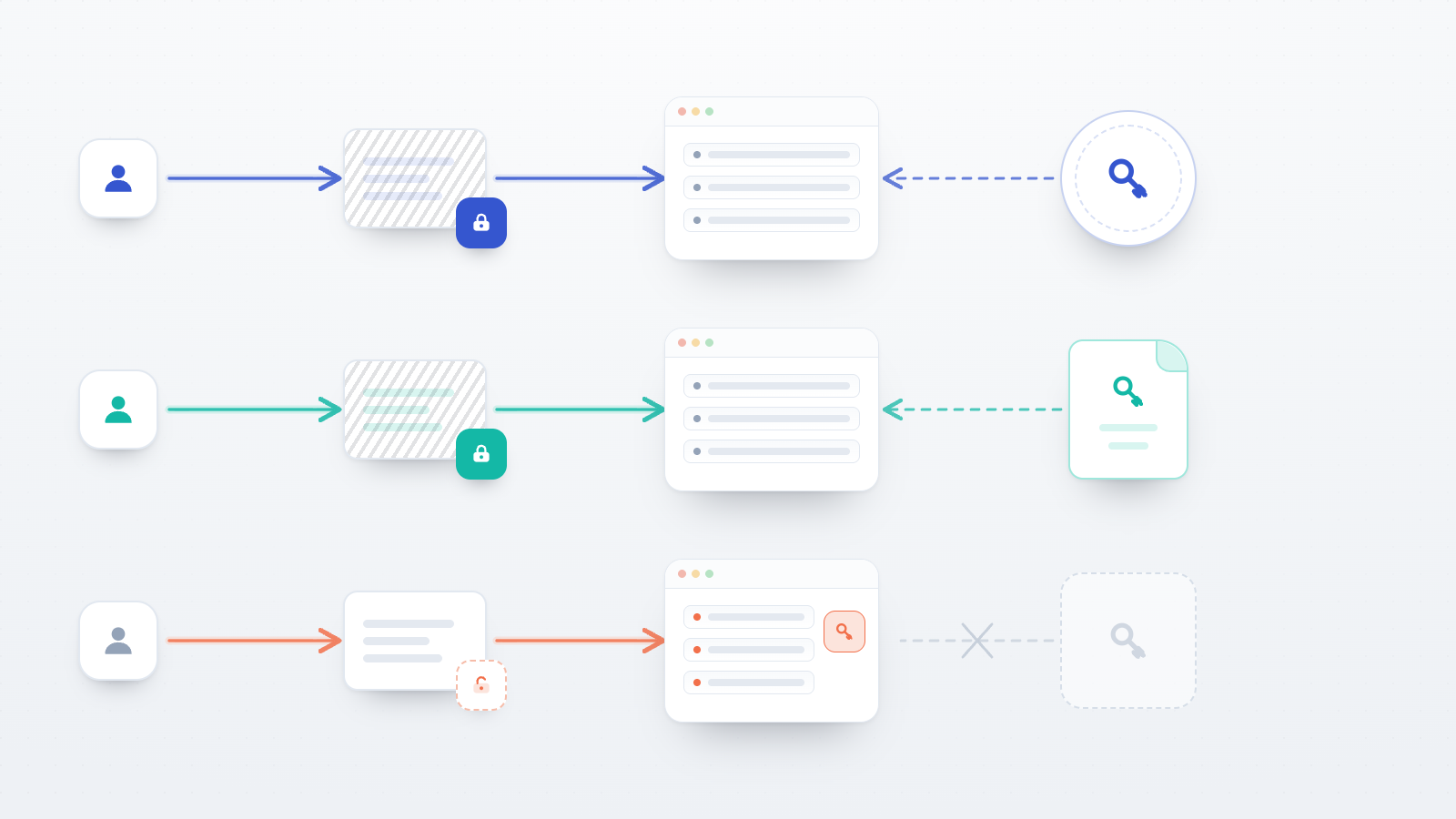
End-to-end encryption with your account key. Each participant's responses are locked with a one-time key as they are collected, and that one-time key is then sealed so that only your key can open it. Your key lives in an encryption vault, which works like a personal keyring: you set it up once in Settings → Security and unlock it when you sign in. After that, data decrypts automatically whenever you open it. There are no key files to download, upload, or keep track of. If you sign in with a password, the vault unlocks with that password; if you sign in through Google or ORCID and therefore have no Open Lab password, you set a separate encryption passphrase instead. This is the option Open Lab recommends.
A self-managed study key. The study gets its own key pair, and you download the private half as a
.pem file. Open Lab never holds it. To read the data you upload the file on the study's data page
and decrypt. The private key is shown only once, at generation time, with the option to download it
or email yourself a backup. This is also end-to-end, and it suits researchers or institutions who
would rather hold a key file themselves than rely on an account vault.
Server-side encryption. Data is encrypted in transit and at rest on Open Lab's servers in Germany and protected by access controls, but Open Lab manages the keys rather than you. It is not end-to-end: the platform is technically able to read the data, acting as your processor. Nothing needs unlocking, so the data simply appears in the Data view with no decryption step.
The distinction between the first two and the third is the one to carry into an ethics application. With either end-to-end option, a statement that only the research team can read participant responses is a statement about what is technically possible. With server-side encryption it is a statement about access policy, which is a weaker guarantee and should be described as such.
What end-to-end encryption does not hide
End-to-end encryption covers the contents of participant responses. It does not cover everything about a study, and an accurate description to a DPO should say so.
With encryption on, Open Lab can still see how many responses arrived and when, which participants took part, and the study's own settings. What it cannot see is what any participant answered. That is the correct boundary to describe: the response payloads are confidential, while the surrounding records of participation are not. If your protocol treats the fact of participation as sensitive on its own, encryption alone does not address it, and the recruitment design needs to.
Losing a key means losing the data
This follows from the design rather than from a policy choice. If Open Lab cannot read your data, Open Lab also cannot restore it for you.
For the account-key option, the backup is a recovery code generated when you set up the vault. Open Lab requires you to confirm you have saved it before any study is allowed to start encrypting to your account key, on the principle that data should never be encrypted to a key its owner cannot recover. If you forget your password, the recovery code unlocks the vault. Keep it somewhere that survives a lost laptop, such as an institutional password manager.
For the self-managed study key, the .pem file is the only copy and there is no recovery mechanism
at all. Losing it means the collected data cannot be decrypted by anyone. Store it the way you would
store any irreplaceable research asset, and make sure at least one other person in the lab can reach
it if you are unavailable.
Sharing data with collaborators
The two end-to-end options behave quite differently here, and this is often what decides the choice for a multi-person project.
With account-key encryption, sharing is handled inside the platform. Each collaborator decrypts using their own vault, never your password, and access can be revoked at any time. Under the hood the study's key is re-wrapped to each collaborator's account key, so granting access does not require re-encrypting any data. Settings → Encryption shows who can currently decrypt. The one prerequisite is that a collaborator must have set up their own encryption before they can be granted access.
With a self-managed study key, sharing means giving someone a copy of the private key file, which you then cannot take back. For a solo project that is unremarkable. For a project with rotating research assistants it is a practical liability, and account-key encryption is the better fit.
The cost in analysis workflow
End-to-end encryption is close to invisible in normal use, with one exception worth planning around.
In the per-study Data view, encrypted data decrypts automatically once your vault is unlocked, or
after you upload the .pem file for a self-managed study key. Decryption happens in your browser in
both cases. Participants notice nothing at all, and there is nothing for them to set up.
The Data Explorer, which loads data from one or more studies into an in-browser query workspace, skips encrypted datasets and reports how many it left out. To include them, decrypt them first. If a project depends on the Explorer for routine exploratory work, build that step into the workflow rather than discovering it mid-analysis.
Switching between options
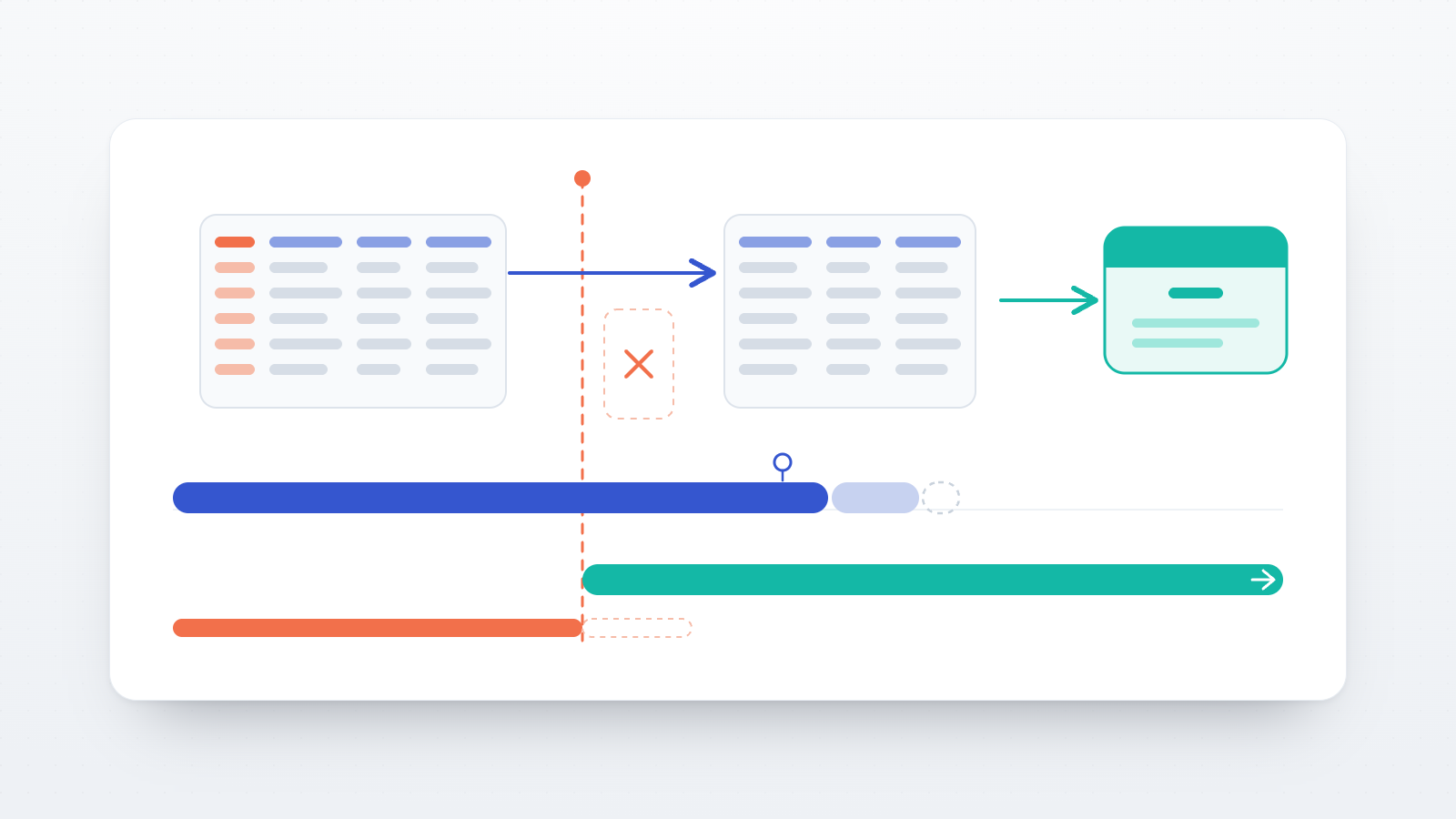
The encryption setting can be changed at any point, and it applies to newly collected data. Data already collected keeps the protection it had when it was saved, so switching a study to encrypted partway through leaves the earlier responses as they were.
For the account-key option there is an additional step that closes this gap. When a study is set to account encryption and unencrypted data is already present, an Encrypt previously collected data option appears, which encrypts the existing responses to your account key. It is available to the study author, requires a confirmed recovery code, and is not reversible.
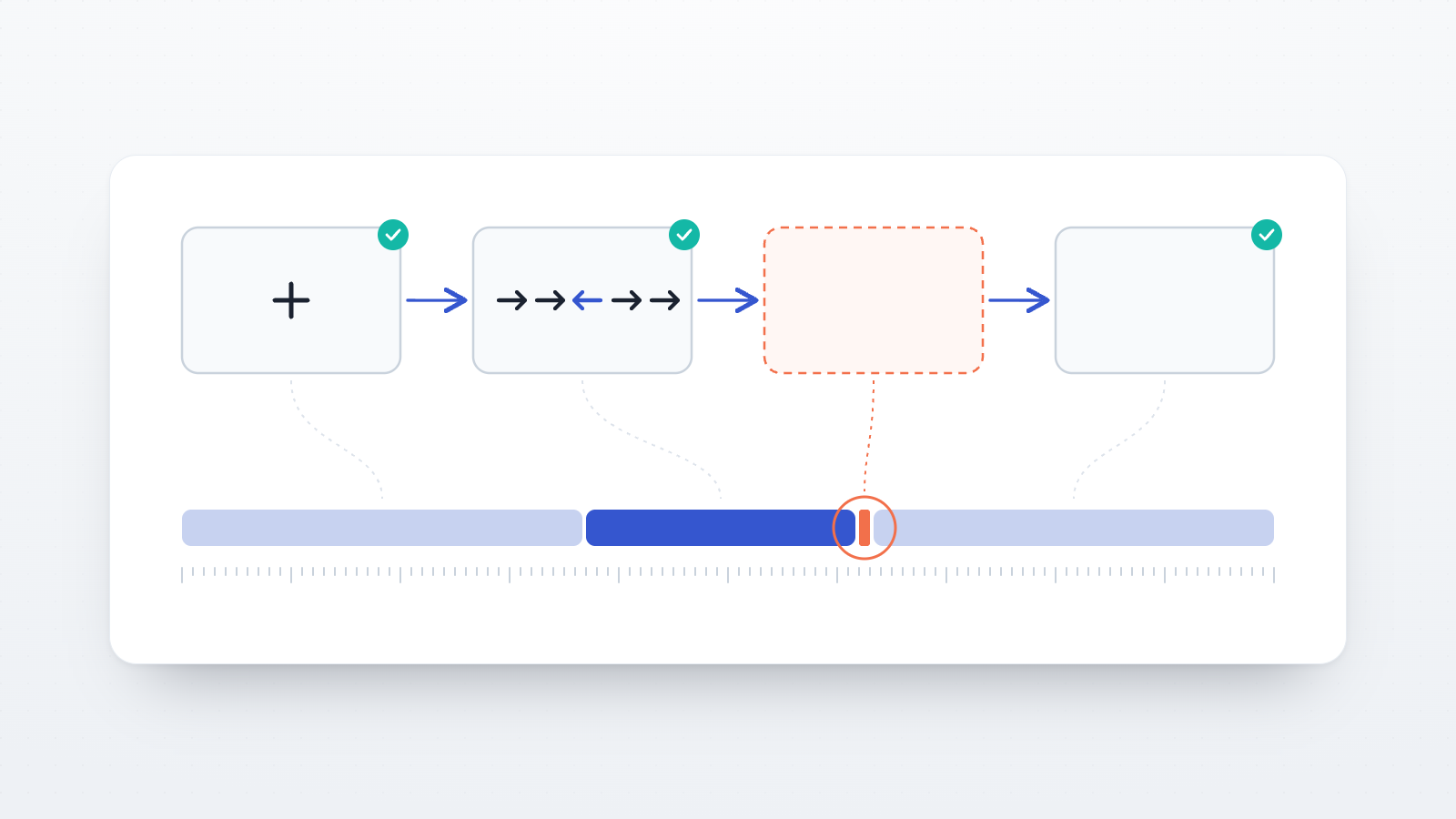
Open Lab also blocks a study from going active while it is set to an encryption option that has not been configured yet, so a study cannot start collecting data under an encryption setting that would fail. The failure mode this prevents is the expensive one: data collected in a state you thought was encrypted and was not.
Choosing
Use account-key encryption for real data collection, and particularly for special-category data under Article 9 of the GDPR, such as health, biometric, or political information. It gives the strongest technical guarantee, keeps collaborator access manageable, and has a recovery path. The cost is the vault unlock step and the Data Explorer caveat above.
Use a self-managed study key when the requirement is that you hold the key material yourself, for example where an institutional policy asks for keys under local custody, or where a data management plan commits to that arrangement. Accept that sharing is manual and loss is final.
Use server-side encryption for pilots, method testing, and anything where the responses are not real participant data. It is the lowest-friction option and a reasonable default while a study is still being built. Switch before real collection begins, and use the retro-encryption step so the pilot data does not stay behind in a weaker state than the rest.
One practical note: account-key encryption is the recommended option, but it is not what a study falls back to. A study whose encryption setting has never been touched is on server-side encryption. Open the tab and confirm the setting rather than assuming it, especially on a study created some time ago or copied from an earlier one.
What to write for an IRB or DPO
A description grounded in the above holds up better than a general reassurance about "encrypted storage." The elements worth stating are which option the study uses and what it implies about who can read the data; that hosting is on servers in Germany; that Open Lab acts as processor, with the implication that under server-side encryption it is technically able to access the data; the retention period that applies, which defaults to 12 months on the free plan and 36 months on paid plans and can be shortened per study; and, if the reviewer asks at that level of detail, the algorithms involved. Account-key encryption uses X25519 key agreement with HKDF-SHA-256 and AES-GCM; the self-managed study key uses an RSA key pair with RSA-OAEP.
Encryption is named in Article 32(1)(a) of the GDPR as one of the technical measures that can be appropriate to the risk, and retention limits follow from the storage limitation principle in Article 5(1)(e). Neither is satisfied by encryption alone, but choosing the option deliberately, and being able to say why, is most of what a reviewer is asking for.