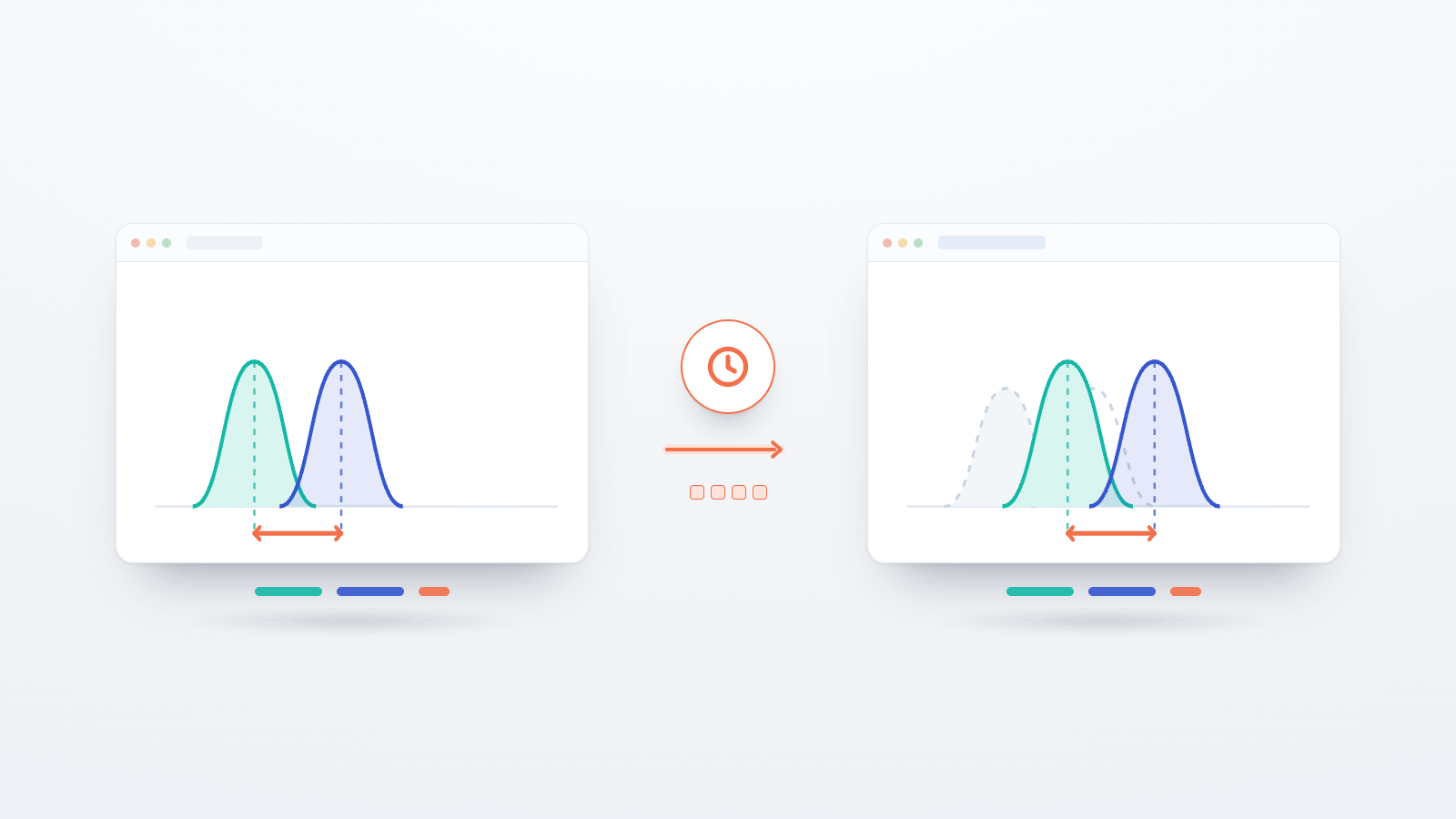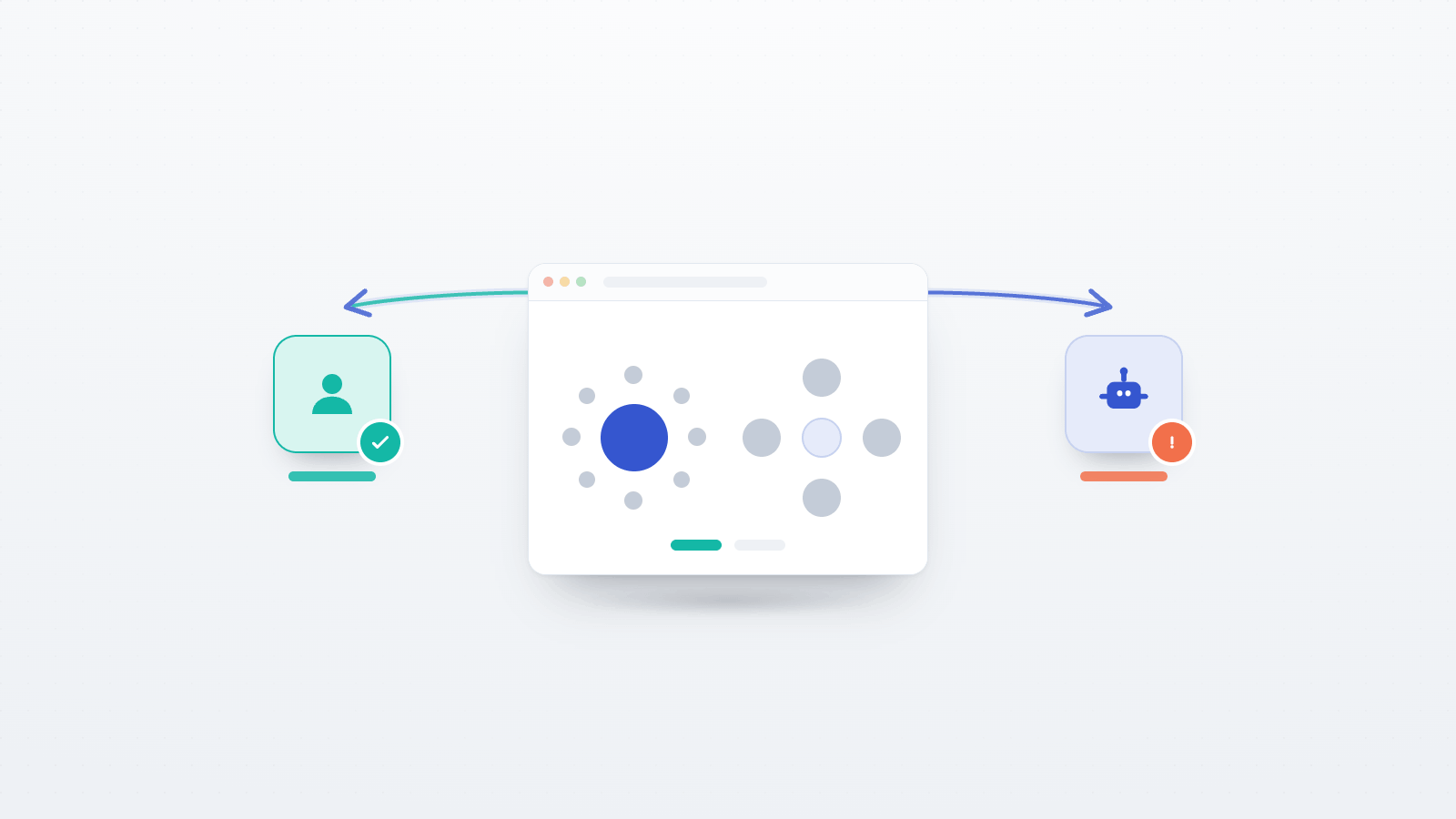
Unsupervised online studies have a new kind of uninvited guest. Alongside the familiar worries — click-farms, careless responders, duplicate sign-ups — some sessions now come from AI agents: software built on a large AI model that can open a browser, read the screen, choose answers, and click through a study on its own, with no person behind it. A participant pool advertised as human can quietly include respondents that never were.
The uncomfortable part is that the checks most studies rely on do not catch them. A well-built agent reads instructions, answers an "if you are paying attention, select disagree" item correctly, and sails past the attention checks designed for inattentive humans. In the study that introduced the tasks described here, traditional attention checks flagged only about 2% of AI agents completing surveys autonomously (Affonso, 2026). For a threat that behaves like an attentive participant, an attention check is the wrong instrument.
A new group of tasks in the Open Lab paradigm library takes a different approach. Instead of asking whether a respondent is paying attention, they ask something an attentive human passes without effort but current AI agents reliably get wrong. This post explains what they are, the documented reason they work, and — the practical part researchers asked about — how to add them to a study and read the result.
Why AI agents fail where humans don't
The agents in question are driven by a vision-language model: an AI model that takes an image (here, a screenshot of your task) together with some text, and produces a text answer. That is how the agent "sees" your study. And it turns out these models have specific, documented blind spots — places where the way they process an image diverges from how a person does.
Two of those blind spots are useful for screening, because they are stable and well characterised in the research literature.
The first is overfitting to familiar figures. Vision-language models have encountered the classic optical illusions — the Müller-Lyer lines, the Ebbinghaus circles, the Café Wall tiles — countless times in their training data, always with the same textbook explanation ("the two lines are actually equal", "the circles are the same size", "the lines only look slanted but are straight"). The model learns to recognise the figure and recite the memorised answer rather than actually look. Ullman (2024) demonstrated this directly with a set of altered illusions — figures that look like a famous illusion but where the "trick" has been removed — and showed that models keep giving the canonical answer even when it is now plainly wrong. That is the lever: take a familiar illusion and change it so the correct answer is unambiguous to a person, and the model tends to answer as if it were the original.
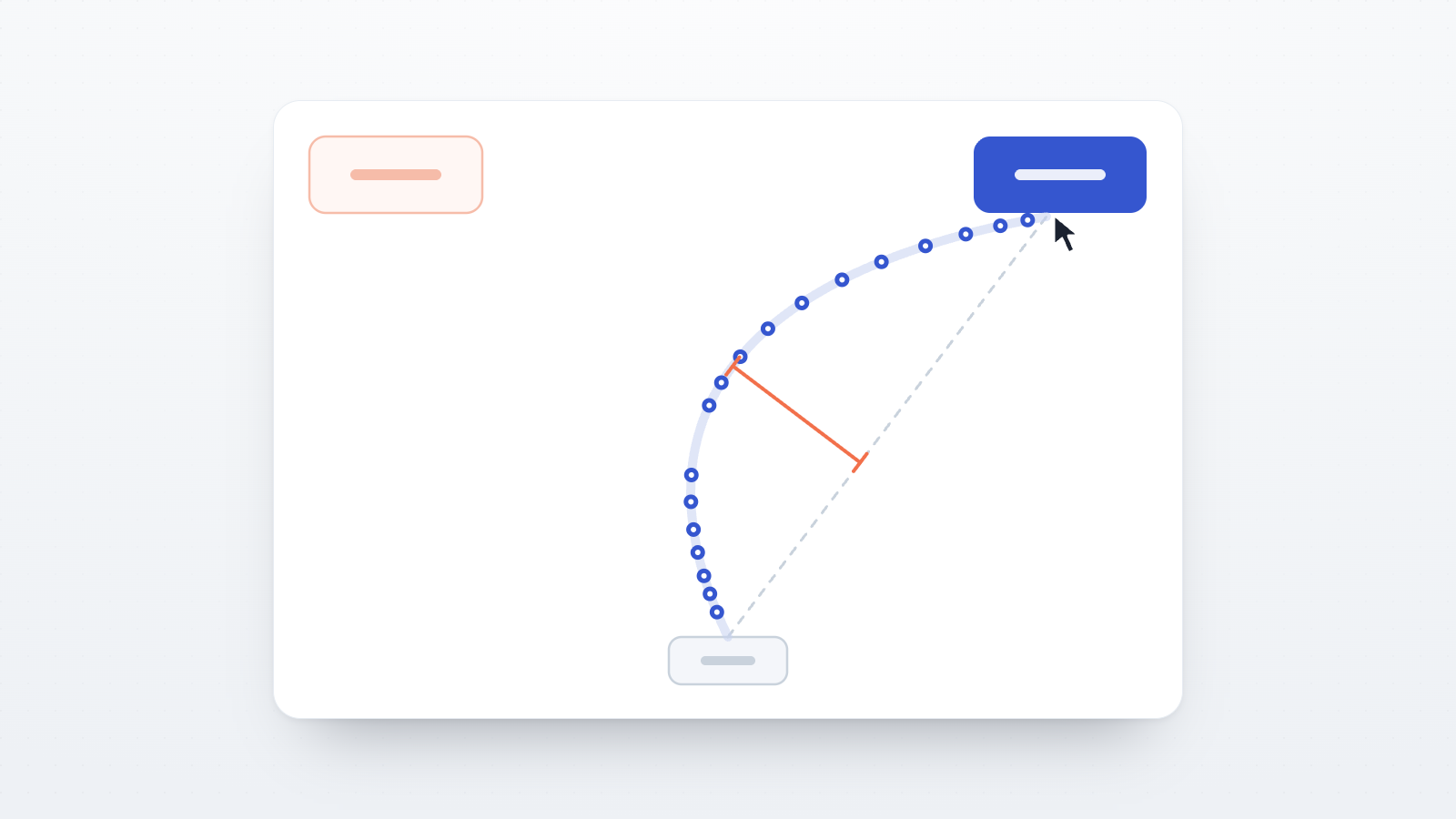
The second is weak spatial and temporal reasoning across an image. These models process a picture largely in one pass and struggle to integrate motion across a sequence of frames, or to bind small elements to the right object when objects overlap. Tasks that ask a person to extrapolate a trajectory, or to count things under occlusion — where one object partly covers another — are trivial for a human eye and surprisingly hard for the model.
Affonso (2026), in the Journal of Consumer Research, turned these documented limits into a practical screening method: a set of simple visual multiple-choice items, each targeting one such weakness, that a human answers easily and an agent tends to miss. The five tasks now in the library are built on that framework, with the illusion items following Ullman (2024).
The five tasks
Each is a single, short, multiple-choice screen. Three are familiar optical-illusion figures deliberately altered so that the correct answer is not ambiguous — for a person, there is a right answer and it is easy to see. One is a motion-extrapolation task, and the last is a counting task under occlusion.
- Moving Robot — a few frames show a robot moving in a straight line in equal steps; the last frame is blank, and you say where it lands next. A person extends the path automatically. (Extrapolating motion across frames.)
- Modified Café Wall — rows of offset light and dark tiles with thin mortar lines between them; you say whether those lines are slanted or straight. Here the lines really are slanted, though the memorised answer is "straight". (Altered illusion.)
- Modified Ebbinghaus — two circles, each ringed by other circles; you say which of the two is bigger. One of them really is bigger, though the memorised answer is "they are the same". (Altered illusion.)
- Modified Müller-Lyer — two lines with arrow-fins on their ends; you say which line is longer. One of them really is longer, though the memorised answer is "they are equal". (Altered illusion.)
- Surrounded Planets — several planets, each ringed by small shapes; most have the same number of shapes and one has fewer, and you name the odd one out. A person counts around each planet easily. (Counting under occlusion.)
Because these are so easy for a human, a single wrong answer from a real participant is unremarkable — someone rushes, misreads, or has a genuine perceptual difference. That is exactly why no single task is used to make a decision. The signal is in the pattern across several of them.
Deploy them as a battery, not a single task
The right unit here is a battery — a set of these tasks scored together — not any one item on its own. Adding one trap tells you very little; a human can slip on one, and an agent might happen to pass one. Run several and the difference becomes clear: attentive humans pass nearly all of them, while an agent fails a large share.
A sensible starting rule, and the one the tasks are set up for, is to flag a respondent who fails 3 or more of the 5 tasks. With per-task human pass rates ranging from roughly 78% on the hardest task to the mid-90s (a mean around 87%), the chance a genuine human trips three or more of five by accident is low, while an agent — missing each task for the same architectural reason — tends to accumulate failures quickly. In the deployment that validated the approach, a battery used this way separated agents from humans far more sharply than any single check, catching the large majority of agents while flagging only a small fraction of real people (Affonso, 2026).
Two things about that threshold matter:
- Pre-register it. Decide "fail 3 of 5 → flag" (or whatever number you choose) before you see the data, and write it into your analysis plan. Pre-registering the rule keeps it from becoming a knob you turn until the results look the way you hoped, and it is exactly the kind of decision reviewers will want stated in advance.
- No single task is diagnostic. The threshold is a property of the battery. If you deploy a different subset, or a different number of tasks, revisit the number rather than carrying it over unchanged.
How to add them to a study
You add these the same way you add any other task. In the Study Builder, pull them from the paradigm library into your study flow alongside your own tasks. Preview the flow as you would for any study to see exactly what a participant sees.
Each task takes roughly a minute, is scored automatically, and records two things you can read back in your results: a per-task pass/fail for every trap, and a battery-level count of how many of the tasks the respondent failed. That failure count is what your pre-registered threshold applies to — you do not have to hand-score anything or hold the answer key yourself.
A few practices make the battery both fairer and more robust:
- Ask about vision, and note colour. Uncorrected vision impairment can cause a genuine human to miss these items, so include a short vision-impairment question; and because one task relies on colour, add a brief colour-vision note as well. This lets you separate "failed because they are an agent" from "failed because of a perceptual difference".
- Run a sensitivity analysis. Re-run your main analysis with and without the flagged participants and report whether your conclusions change. If they hold either way, the screen has cost you nothing; if they don't, that is something you need to know.
- Keep the stimuli varied. Because these tasks are effective only while the exact figures and answers are not memorised, the deployed items draw from a rotating pool rather than one fixed picture, and the set is refreshed over time. Treat that as ongoing maintenance, the way you would keep any screening measure current.
- Treat a flag as a prompt to look, not an automatic exclusion. A high failure count is a strong signal to review a session — against timing, open-text quality, and your other checks — before deciding what to do with it. Building the exclusion rule into a pre-registered plan is fine; excluding on the flag alone, with no second look, is not.
What these tasks are — and are not
These are data-quality screens. They are built to distinguish an autonomous AI agent from a human respondent, and nothing more. They do not measure intelligence, attention as a trait, or anything about the person; a failed item is a data-quality signal, not a judgement about a participant. And they work entirely within the study itself — they do not touch, collect, or expose any participant data beyond the task responses you already gather.
Adding them, in short
- Open your study in the Study Builder and add the AI-screening tasks from the paradigm library, the same way you add any other task.
- Deploy the full set of five, not one — the signal is in the pattern across the battery.
- Pre-register a threshold (fail 3 or more of 5 is the recommended starting rule) and treat a flag as a prompt to review the session, not an automatic exclusion.
- Include a vision-impairment question and a colour-vision note, and plan a sensitivity analysis with and without flagged participants.
- Read the per-task pass/fail and the battery failure count back in your study's results.
The five tasks grouped under the category "Data-quality & AI Screening" are available in the library now.